
 4.9
4.9 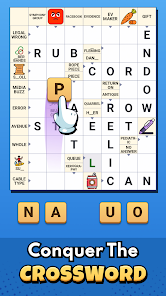
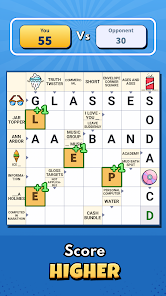
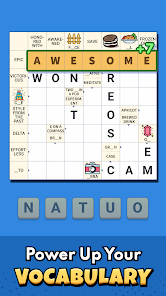
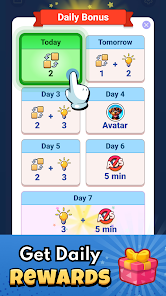
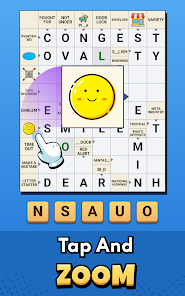
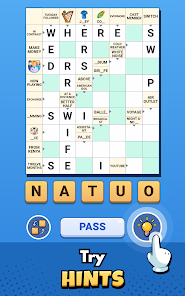
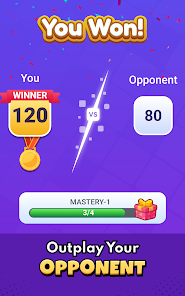
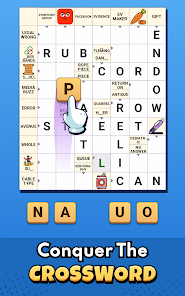
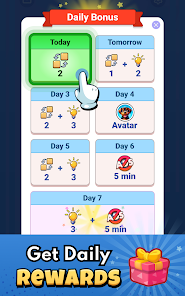
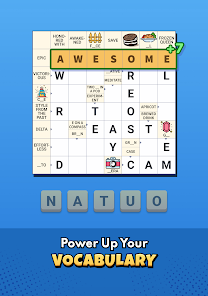
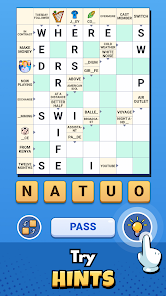
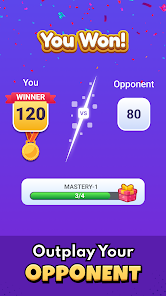
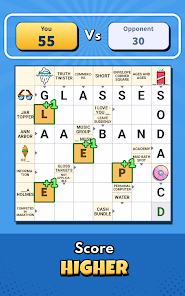
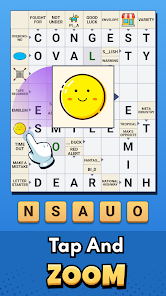
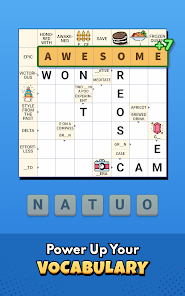
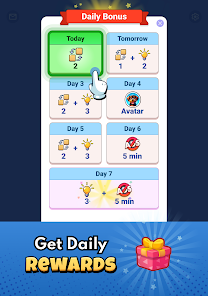
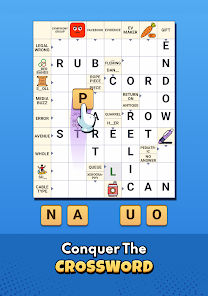
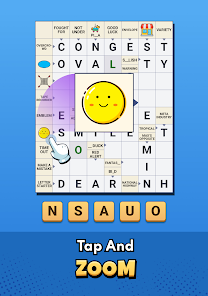
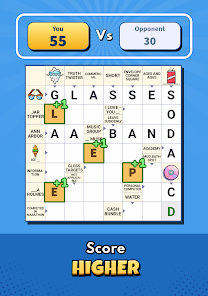
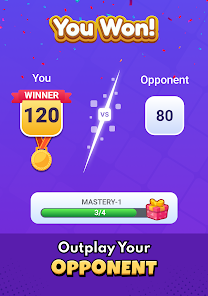
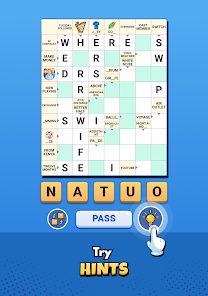

 Crossword Go! offers endless fun! Enjoy daily puzzles and challenges! Play solo or compete with friends! Hints and tips to boost your game! Customizable themes for your style!
 Limited puzzle variety available Ads can interrupt gameplay No offline mode for puzzles Requires internet for updates
  Google Play
  App Store
  Rayla
Rayla
You are very obviously playing with a bot. I had downloaded this with the intent of playing this with people I know. The concept of the game is good. It's challenging and also has aspects of it that are strategic, as you you're not guaranteed to get a 3-star win just because you place all the letters you're given in places that they are able to work. I haven't run into any inaccurate clues or incorrect spellings for words. The only other issue I had was that the ads sometimes interrupt gameplay.
Sherri NowlinAfter the issue of an ad throwing the game off that I was playing; I bit the bullet & paid the $ for ad free, & couldn't be happier. It's not a real challenging puzzle, but enough to keep it fun without being frustrated. I assume it will get harder as I go. I'm only on level 72 plus do the daily calendar puzzle. It says you can play your friends or another opponent, but not sure how you can invite a friend. I'm 99% sure the opponent is a bot.
Melissa VegaFun gameplay, but ads are overkill. This game has so much potential. However, there are too many ads. Anytime there are ads popping up in the middle of a game, I'm immediately turned off. The add are also too long, with most requiring you to click 3 or 4 different screens to get to the exit. So annoying! I actually like the game enough that I considered paying for ad-free, but I'm not paying $5 for a single month of a mid game. $5 should buy the game permanently. Deleting, sadly.
Ruthclever variation on crosswords. But slow moving. Ads where you would expect them to be but also interrupt gameplay. UPDATE. I came to appreciate the game more after playing for a few days, but the board and text is too small for my phone and my eyes. There is no zoom. There is a daily bonus and you can buy hints in the store by watching ads. Nice game but not for me.
Pamela RussellThis is a great game of its kind. I've enjoyed playing it. That's why I'm sorry to tell you I'm uninstalling it. The reason: the Shein ads. They're like an unsolvable puzzle. There's no way out except to close the app and try to get back to your level. I don't mind ads in a game. I realize they're necessary and I'm glad they're when they give us bonuses etc. But these Shein ads are just traps. I'll be back sometime to see if they're gone. I hope so.
Review Source: Google Play store public user reviews.
Yes, Crossword Go! offers various difficulty levels to cater to players of all skill levels. From easy puzzles for beginners to challenging ones for seasoned solvers, there’s something for everyone. Players can choose puzzles that match their skill level and gradually improve over time.
Absolutely! Crossword Go! includes social features that allow you to challenge friends and compete on leaderboards. You can share your scores and achievements, making it a fun way to see how you stack up against others. Engage with your friends and see who can solve puzzles the fastest!
Yes, Crossword Go! allows some customization options, such as adjusting the font size, enabling or disabling sound effects, and choosing different themes. These features help create a more personalized gaming experience that suits your preferences. Check the settings menu for available options!
Yes, Crossword Go! allows users to play puzzles offline. Once you download the app and the puzzles you want to solve, you can enjoy them without an internet connection. However, some features, like leaderboard updates or downloading new puzzles, may require an internet connection.
You can download Crossword Go! from the App Store for iOS devices or Google Play Store for Android devices. Simply search for "Crossword Go!" in the respective store, click on the download button, and follow the installation instructions. Once installed, you can start enjoying the puzzles right away!
You can reach Customer Service by visiting the app’s support section or emailing support
If activation is required, follow the in-app instructions after purchase or check your email for an activation link.
Launch the app, tap on 'Log In,' enter your credentials, and press 'Submit' to access your account.
The Customer Number can typically be found in the app settings or your account information section.





 Home
Home  Apps
Apps  Games
Games  Windows
  Terms of Service
  Cookies & Privacy Policy
  Disclaimer