
 4.5
4.5 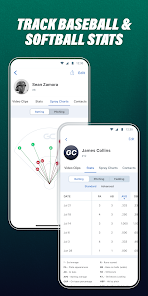
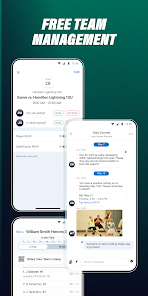
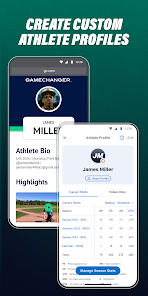
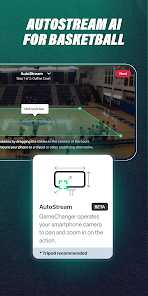
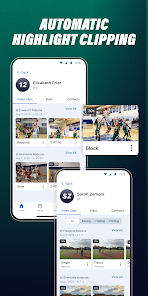
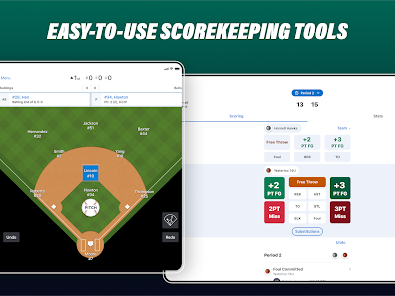
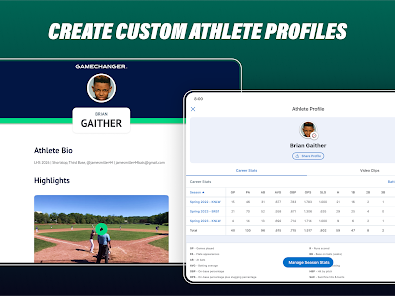
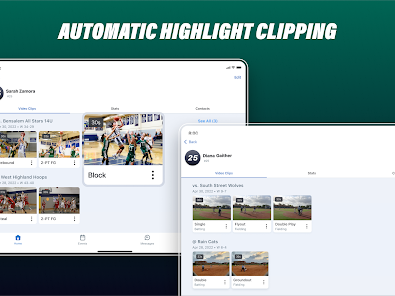
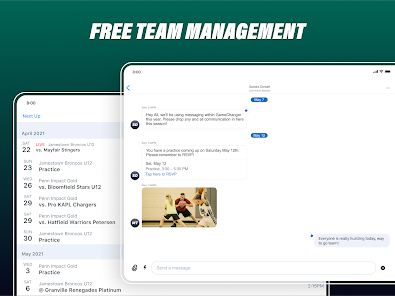
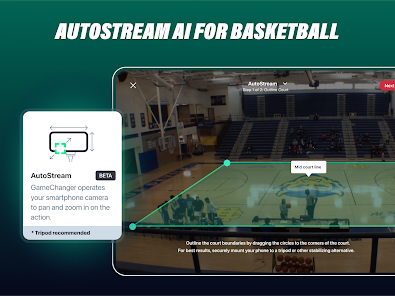
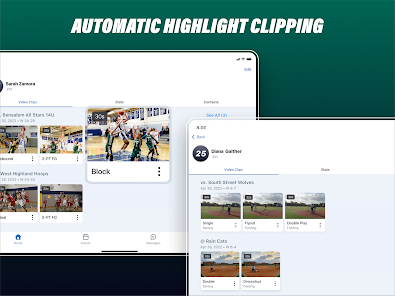
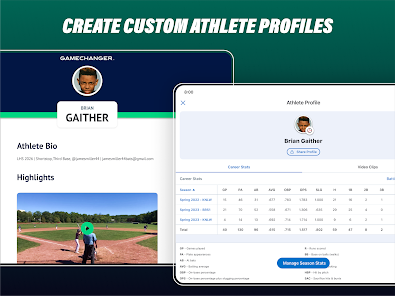
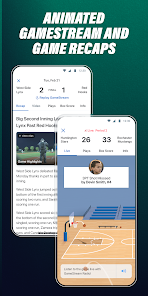
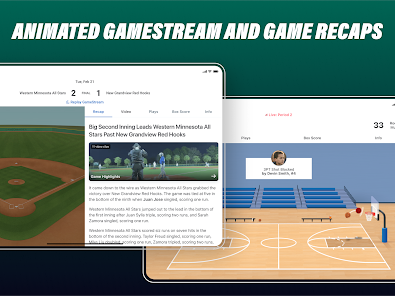
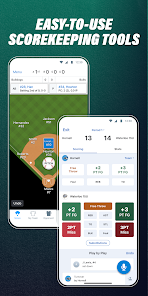
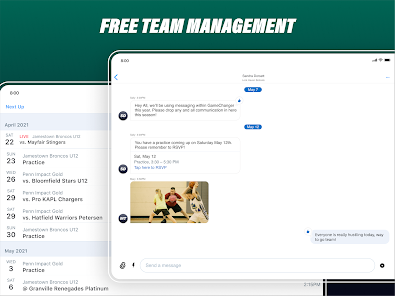
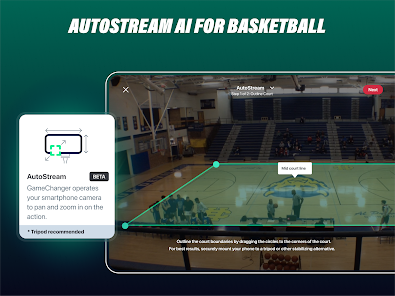
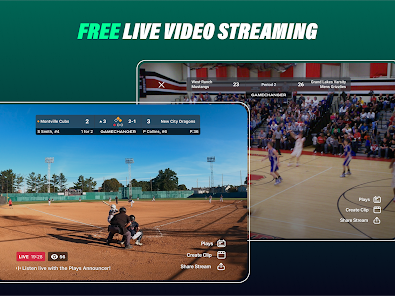
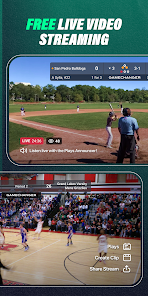
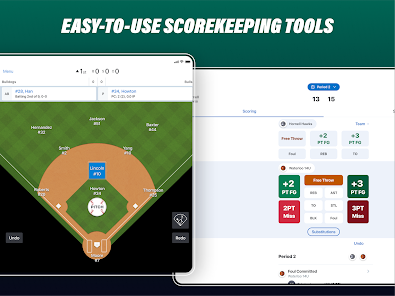
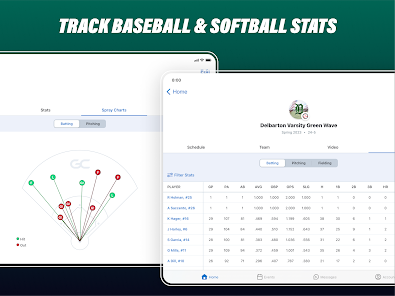
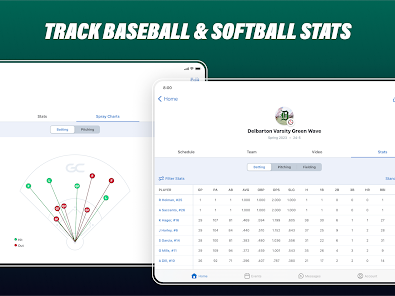
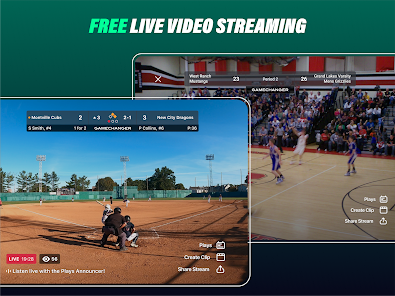
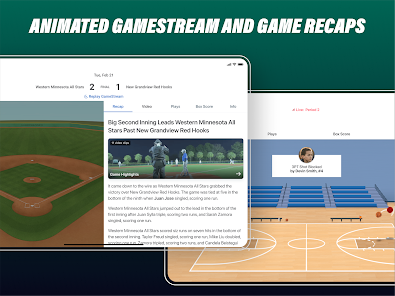

 Streamlines team communication and coordination. Enhances player performance tracking and analysis. Facilitates real-time game updates for fans. Simplifies scheduling and event management. Boosts engagement through interactive features.
 Limited customization options for team management tools High subscription costs may deter casual users Steeper learning curve for new users Occasional technical glitches disrupt real-time updates
  Gerry Stevens
Extremely pricey, very greedy. I pay the premium price which was $89.99 and they raised it to $99.00 for 1 account and now the family price is double the amount for 4 accounts. Not even the player and a parent get to share. Almost $200.00 for a baseball season is ridiculous. They wonder why not enough people pay for the subscription. Whoever designed the app must not have scored a live game, because some plays like double and triple plays takes a minute or 2 and you miss out on the next play.
Breanna KearnsDoesn't always alert me of messages, and sometimes when you open up the app it will show messages from an earlier part of the conversation and not the newest message on the chat screen. It is very expensive to have if you want to keep stats on your child. The inconsistencies make it not worth the price, for sure- not to mention after so many games watched via game changer they start charging another fee 👎
Agata KrycaGarbage! I miss messages from our team all the time bc the app just does not notify me. Yes, it is fully updated, and yes notifications are allowed, bc that's why we have the app in the first place - to stay in touch! But even when I open the app, new messages DO NOT show up unless I open a certain conversation and check. This seems to be an issue for Android users, iOS users say it works fine for them.
Tracy LuchtI used to love GameChanger. Each year it gets more and more expensive. The free version used to be great and now all you get is the GameStream. If you blink and miss a play, you are out of luck. No video, no plays, no recap. Not even the box score to see the lineup. The pricing is out of control. HUGE difference between monthly and yearly price. $100/yr so I can see my niece's clips and stats.
Teresa GlasgowUpdate: 5-23-2026 GC released an update that fixed this for a hot minute. Now it's not working again and it's a tournament weekend. Nothing like having to open an app every 2 minutes to check. Communication and notifications are not working. I've cleared the cache. Uninstalled and reinstalled. Messages are coming in via the app but no notification which means you have to manually open the app and check for updates. Happening with multiple parents on our team, so no, it isn't just my settings.
Review Source: Google Play store public user reviews.
Yes, GameChanger collects personal data to enhance user experience, but it adheres to privacy policies to protect your information and provide transparency about data usage.
GameChanger offers a free version with basic features, and there may be options for free trials on premium features or subscription plans.
While an internet connection is required for certain features such as live scoring and syncing data, you can score games offline and sync once you're back online.
You can contact GameChanger support through the in-app help section, by visiting their website, or by emailing their support team directly with your inquiries or feedback.
You can manage or cancel your GameChanger subscription through your account settings in the app or by visiting the GameChanger website for further instructions.
You can contact GameChanger Customer Service through the app's support section or by visiting their website for assistance.
To activate your account, follow the link in the registration email sent to you. If you haven't received it, check your spam folder or request a new one.
To log in, open the app, enter your registered email and password, then tap 'Log In.' If you forget your password, use the 'Forgot Password?' option.
The Customer Number for GameChanger can be found in the app under settings or by checking their official website for contact information.













 Home
Home  Apps
Apps  Games
Games  Windows
  Terms of Service
  Cookies & Privacy Policy
  Disclaimer
  Google Play
  App Store