This site uses cookies to enhance your user experience. By clicking any link on this site you are giving your consent to our cookie policy. Read more
Reject
Accept All

Advertiser and Editorial Disclosures

SmartThings

SmartThings

4.6
Rating
1,000,000,000+ Downloads
/ Version
Advertisement
Screenshot 1
Screenshot 2
Screenshot 3
Screenshot 4
Screenshot 5
Screenshot 6
Screenshot 7
Screenshot 8
Screenshot 9
Screenshot 10
Screenshot 11
Screenshot 12
Screenshot 13
Screenshot 14
Screenshot 15
Screenshot 16
Screenshot 17
Screenshot 18
Screenshot 19
Screenshot 20
Screenshot 21
Screenshot 22
Screenshot 23
Screenshot 24

Information

  • Category: Lifestyle
  • Price: free
  • Age Rating: Everyone
  • Available on: /
  • Developer: Samsung Electronics Co., Ltd.
  • Updated on: Jun 4, 2026
Advertisement
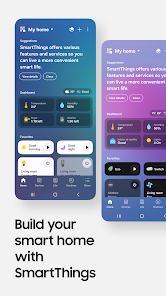
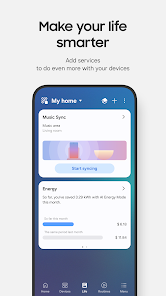
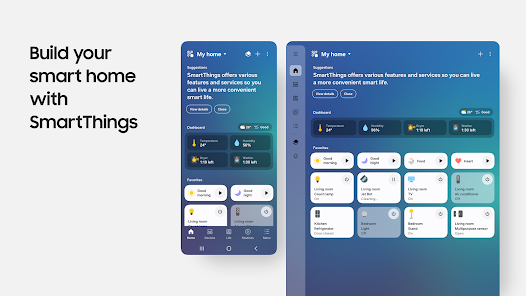
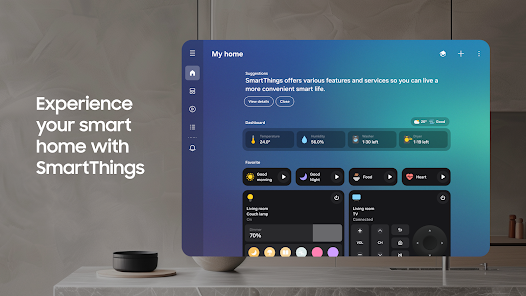
The SmartThings app is your central hub for managing and controlling smart devices in your home. With an intuitive interface, it allows you to connect, automate, and monitor a wide range of devices from various brands. Whether you're adjusting lighting, managing security systems, or optimizing energy use, SmartThings simplifies your smart home experience, making it easy to create personalized routines and enhance your lifestyle. Stay connected and in control, all from the convenience of your smartphone.

Features & Highlights

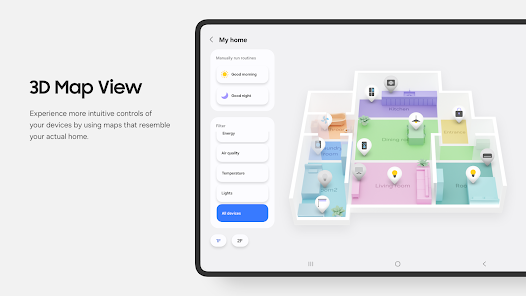
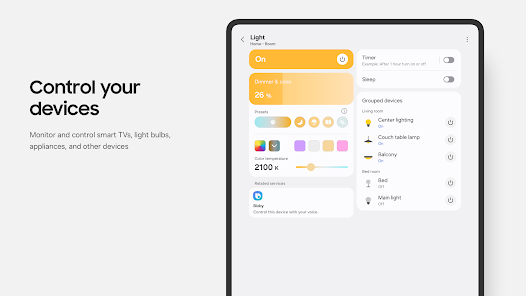
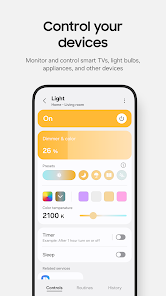
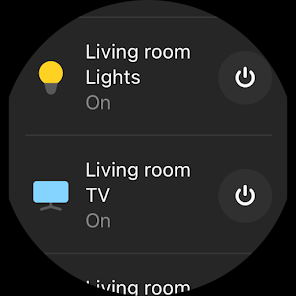
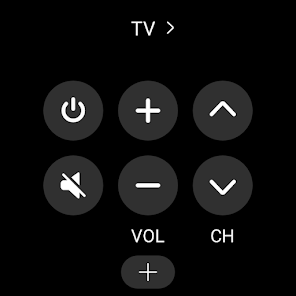
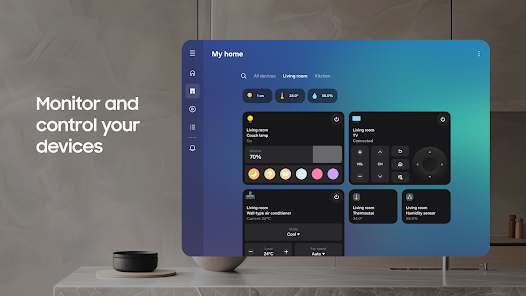
  • Seamless Device Integration: SmartThings allows you to connect and control a wide range of smart devices from various brands. For instance, I have my Philips Hue lights, Samsung Smart TV, and a Nest thermostat all linked through the app, enabling me to control them from a single interface.
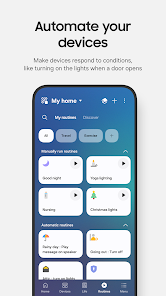
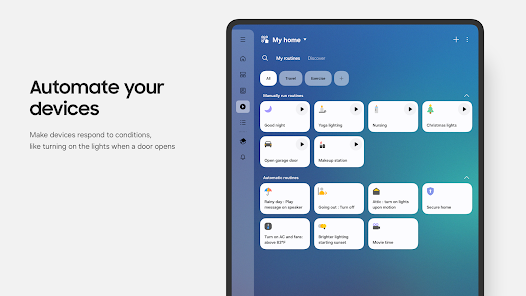
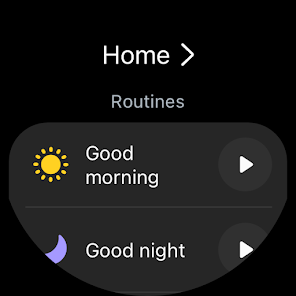
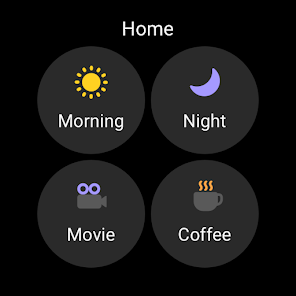
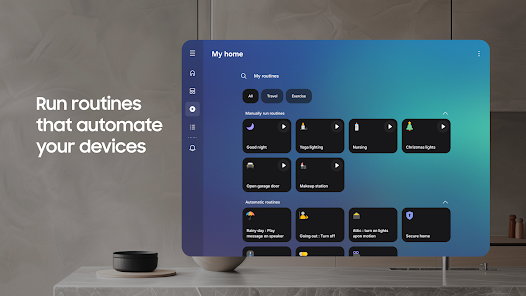
  • Custom Automation: The app lets you create personalized automation routines. I set up a "Good Night" routine that turns off all the lights, locks the doors, and adjusts the thermostat to my preferred sleeping temperature with just one tap.
  • Remote Access: With SmartThings, I can monitor and control my home devices from anywhere. One time, I forgot to turn off my living room lights while on vacation. I quickly accessed the app and turned them off, saving energy and giving me peace of mind.
  • Smart Home Monitoring: The app provides real-time notifications and monitoring of your devices. I receive alerts if my security camera detects motion, allowing me to keep an eye on my home even when I’m away.
  • Voice Control Compatibility: SmartThings works seamlessly with voice assistants like Google Assistant and Amazon Alexa. I often use voice commands to control my devices, making it incredibly convenient when my hands are full.

Real Experience Using "SmartThings"

Application Scenarios

Using the SmartThings app has transformed my daily routine in ways I never imagined. For example, every morning, I wake up to a gentle sunrise effect created by my smart lights gradually brightening. As I sip my coffee, I can check the status of my home security system through the app, ensuring everything is secure before I leave for work. On weekends, I love hosting friends, and with SmartThings, I can set the perfect ambiance by adjusting the lights and playing music through my connected speakers—all from my phone. The app has truly made my home more responsive to my lifestyle.

User Experience

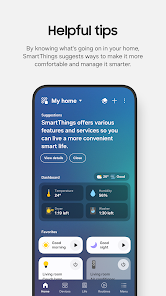
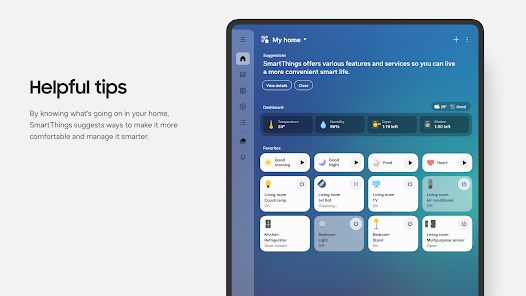
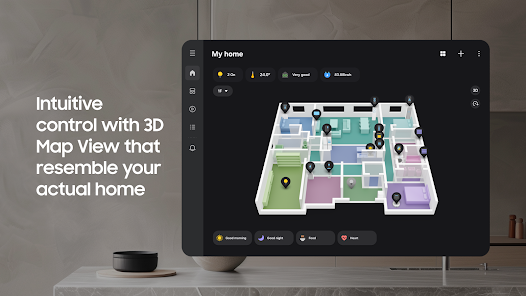
The user interface of SmartThings is intuitive and user-friendly. Upon opening the app, I’m greeted with a clean dashboard that displays all my connected devices. Navigating through the app is a breeze; I can easily access device settings, automation routines, and notifications. The performance is generally smooth, with minimal lag when controlling devices. I appreciate the detailed customization options available for each device, allowing me to tailor settings to my preferences. Overall, my experience with SmartThings has been overwhelmingly positive, as it has simplified my life and made managing my smart home a delightful experience.

Pricing

SmartThings is free to download and use, which is a significant advantage for anyone looking to dip their toes into the world of smart home technology. While the app itself is free, some devices may require a purchase, and premium features may be available for specific products. However, the basic functionalities are robust enough for most users, making it an excellent choice for budget-conscious consumers.

Updates & Support

Samsung regularly updates the SmartThings app, introducing new features and improving existing ones. I’ve noticed enhancements in device compatibility and user interface tweaks that make the app even more enjoyable to use. The support system is also commendable; I once had a question about setting up a new device, and the customer service team was responsive and helpful, guiding me through the process efficiently.

Security & Privacy Review

As an American user, security and privacy are paramount when using smart home technology. SmartThings is available on both the App Store and Google Play, ensuring a level of credibility and security from reputable sources. When registering for the app, I was required to provide basic personal information, which is standard for most apps. However, I appreciate that SmartThings offers two-factor authentication, adding an extra layer of security to my account. In terms of ads and tracking behavior, I have not encountered intrusive advertisements while using the app. SmartThings does collect data to improve user experience, but I feel comfortable with the level of transparency provided regarding data usage. Overall, I believe SmartThings takes user privacy seriously, which is reassuring in today’s digital landscape.
Pros
  • Seamless integration with numerous smart devices
  • User-friendly interface for easy control
  • Customizable automation for personalized experiences
  • Remote access for convenience and peace of mind
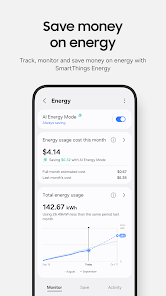
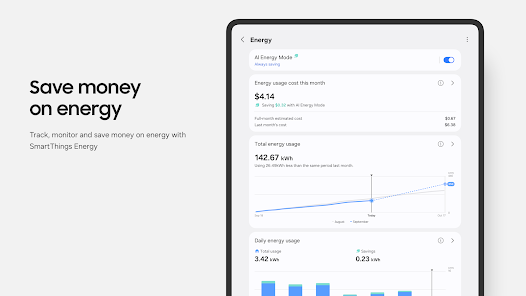
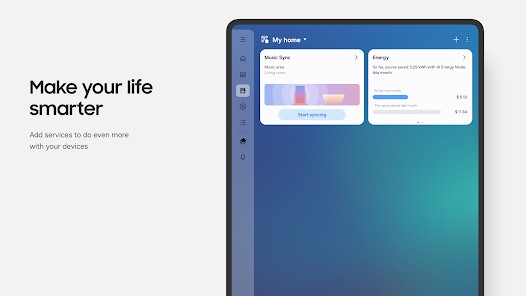
  • Energy monitoring to enhance efficiency
Cons
  • Limited compatibility with non-Samsung devices
  • Setup can be complex for beginners
  • Occasional connectivity issues with devices
  • Reliance on internet for full functionality
Advertisement
Advertisement

User Reviews

(5.06M Reviews)
  • Kevin Walton
    2026/06/28

    Totally changed Health GUI. Required personal info to open health. It took 20 minutes just to add my weight. Who knows where my history went?! Wanted to contact support within Health but requires health data sharing to be on first. I will be looking for another app. and leave Samsung forced "improvements" to those who think it's "cool".

  • Jeff Peters
    2026/05/03

    I cannot seem to use this app as it's stuck in a loop of verification requests. It sends a verification code after login. You enter the code. Page reloads. It sends and asks for another code. Repeat this in a loop until it finally says it can no longer send you codes and you are locked out because of too many requests. Maybe this is a great app, but the setup seems to be broken.

  • H L
    2026/05/18

    App works great. I use on smart plugs, lights, geo fencing and cameras. lights come on when I arrive home or when cameras detect people at night. I have no Alexa ar anything like it. All of it is linked through smart things. Ability to set up routines is somewhat tedious but very useful, get them set up and forget about it! if you can imagine it you can probably do it through this app.

  • Timothy Owens (Tim)
    2026/06/29

    Great when it works - notifications don't work. I have notifications turned on to notify me when my heat pump filter needs to be cleaned. I just checked the notification history for this app, and I haven't seen a single notification this past week even though in the app it says the filter needs to be cleaned. This app is not sending notifications like it's supposed to be.

  • Chris Henderson
    2026/06/14

    this app is so inconsistent. I have a Samsung phone and a Samsung TV, and this works about 30% of the time. its infuriating. -11/25 edit: -06/26 Its only gotten worse. When im not "screen sharing" on the TV, I can see the TV and it even offers to send videos (MP4s arent supported... (-_-) ), but when i attempt to screen share, this stupid worthless app can no longer even see the TV, though my wife's older phone can share as expected.

Review Source: Google Play store public user reviews.

FAQ

Does SmartThings collect my personal data?

SmartThings may collect personal data to enhance user experience, provide services, and improve functionality. Users should review the privacy policy for detailed information about data collection and usage.

Does SmartThings offer a free trial or free version?

SmartThings is free to download and use with basic features, but certain advanced functionalities and integrations may require a subscription.

Does SmartThings require an internet connection?

While some functionalities of SmartThings can operate locally, an internet connection is typically required for remote access, cloud services, and integration with certain features and devices.

How can I contact support or send feedback for SmartThings?

To contact support or send feedback for SmartThings, you can use the support section within the app or visit the SmartThings website for additional resources, including FAQs and customer service options.

How do I manage or cancel my SmartThings subscription?

You can manage or cancel your SmartThings subscription through the app settings or the SmartThings website, where you will find options related to your account and subscription details.

How to use SmartThings

How can I contact Customer Service for the SmartThings app?

You can contact SmartThings Customer Service through the app or visit their website for support options, including live chat and email.

How do I activate SmartThings on my device?

To activate SmartThings, download the app, log in, and follow the setup instructions to connect your compatible devices.

How do I find the Customer Number for SmartThings?

Your SmartThings Customer Number can be found in your account settings within the app.

How do I log in to the SmartThings app?

Open the app, tap 'Log In,' and enter your Samsung account credentials or create a new account if you don't have one.


What's New

  • In order to provide you with better services, some features have been improved in the new version.
Advertisement