4.3
4.3 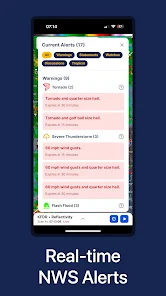
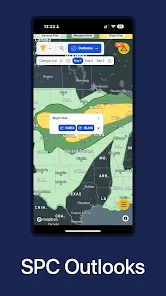
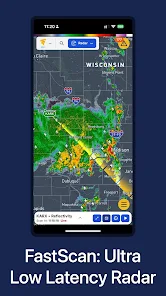
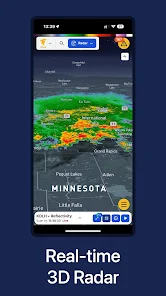
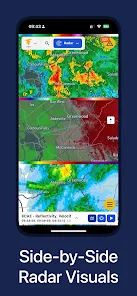
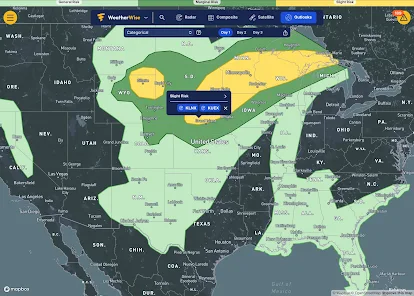
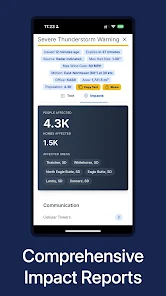
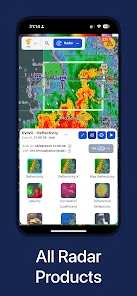
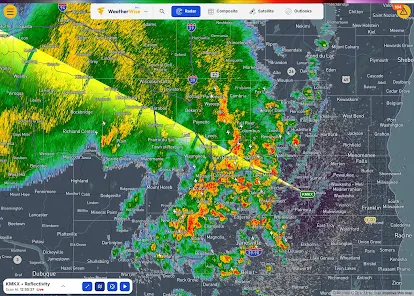
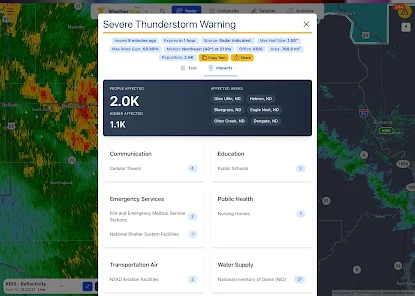
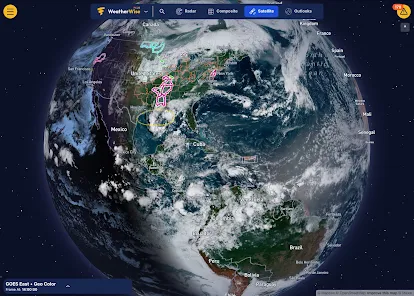
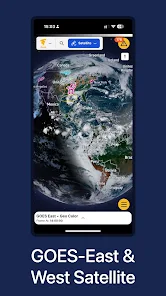
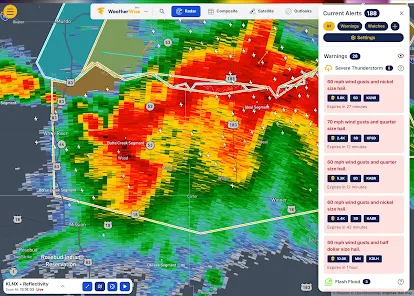
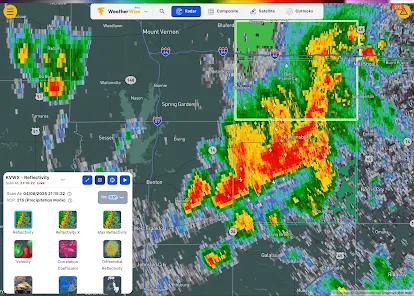
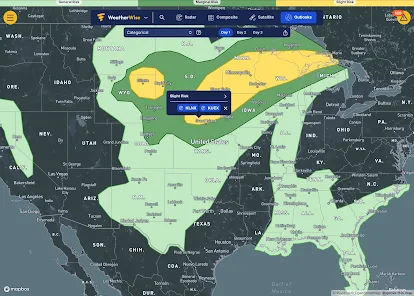
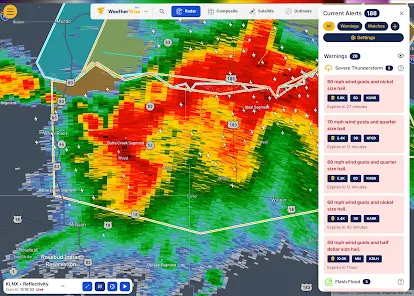
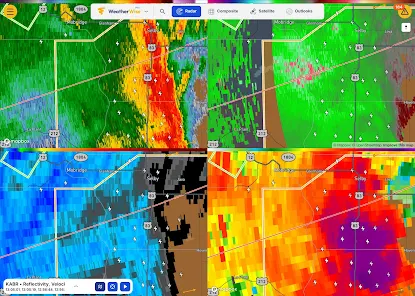
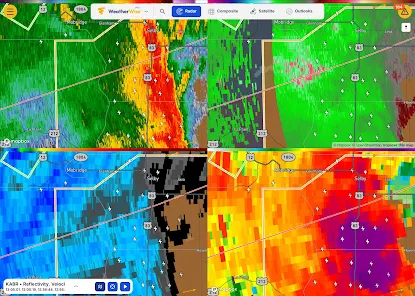
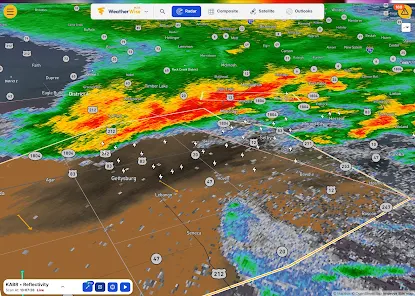
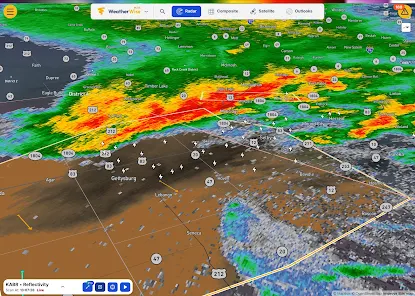
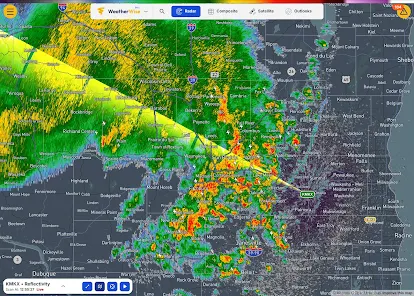
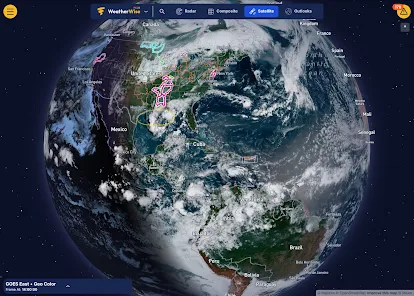

 Stay updated with real-time data Get accurate forecasts for your area Receive severe weather alerts instantly Enjoy an intuitive user interface Customize notifications to suit you
 Limited offline access to data Occasional inaccuracies in forecasts User interface can be cluttered Ads may disrupt the experience
  Google Play
  App Store
  Ronnie Lopez
This weather app has plans for people who want more information about weather and for weather meteorologists. I really enjoy the plus plan. It has what I need to know and more. The app syncs across all my devices which is a big plus for me. I prefer it over other apps at getting detailed weather information. Keep up the good work developers! ⛈️👍😃
Brandon ElkinsEdit: After providing feedback, WeatherWise patched an update fixing the notification saving issue. Updating to 5 stars for excellent and prompt response to feedback. Having push notifications makes this app the best on the market. App markets that push notifications are available, but even with them enabled in settings, the app says the device is still setting them up and will not allow any to be selected. A bit pointless for a weather app to not have notifications functional.
Raymond
so the app is great with radar and showing you the forecast as far as upcoming alerts are concerned. unfortunately, it DOES NOT give you current conditions such as temperature. also let's say you want to set another location; you can only set one location as home so if you want to jump between multiple locations you have to keep changing it. many features also appear to be behind a paywall almost as though it's more geared as some form of social media. myradar is better.
John GCheap monthly subscription (optional), pretty much everything you need to chase. 3 issues: 1. If you already have an account but aren't signed in, you're still able to purchase a subscription. I had to create a new account so my subscription would link. The one I want to use is the one without my subscription. 2. This app needs an optimization update in a bad way. The app is choppy and will overheat your phone if you're running it in MultiWindow. Made chasing tough last night. 3. Can't edit name
Adam MarshallCame from another paid app and really like what the free version has to offer. My phone does get quite hot while using the app even though I run a flagship phone. My only issues are that it is a bit difficult to navigate and I can't find a way to increase the scan history to see further back in time.
Review Source: Google Play store public user reviews.
Absolutely! WeatherWise.app allows users to set up personalized alerts for severe weather conditions such as storms, floods, and extreme temperatures, ensuring you stay informed and safe.
Yes, the app allows users to add and track multiple locations, making it convenient for those who want to monitor weather conditions in different areas.
Yes, WeatherWise.app includes access to historical weather data, enabling users to view past weather conditions and trends for specific locations.
WeatherWise.app utilizes advanced meteorological models and data sources to deliver highly accurate forecasts. While forecasts can vary based on location and conditions, the app strives to provide reliable information for users.
Users can easily customize notifications within the app settings, allowing you to choose which types of weather alerts you want to receive and how frequently you are notified.
You can contact Customer Service by visiting the 'Support' section within the app or through our website for email and chat options.
To log in, open the app, enter your registered email and password, and tap 'Log In.'
Yes, after downloading the app, you need to activate your account via the confirmation email sent to you. Click the link in the email to complete activation.
The Customer Number is typically found in your account settings or in the welcome email you received upon registration.













 Home
Home  Apps
Apps  Games
Games  Windows
  Terms of Service
  Cookies & Privacy Policy
  Disclaimer